

INVITE
Who's coming?
A real invitation page with your own artwork. Guests tap yes or no — no app, no login.

Save your classroom, den, team or family once — then send the invite, the signup sheet, the survey and the week's update to the same list.
Organizer plans may come later; free accounts may include ads to keep costs low. Ads will be placed thoughtfully so content stays the focus. How pricing will work
Life is one long event made of a thousand smaller ones —
TallyGather helps you plan and manage all of them.
Because the group outlives the event.
A signup sheet ends when the event does. Your people group doesn't — invite them, survey them, email them, chat with them, all from the same saved list.
Describe your branding or upload a logo and AI builds the header and footer. Save it as a theme and share it with co-leaders so everyone sends the same look.
At-A-Glance turns your dates into a printable, shareable, subscribable season calendar — and updates it when plans change.
No forms, no templates. Describe what you need the way you'd say it out loud, and the builder asks what's missing and designs the page — invite, signup, survey or vote.
AI makes the first draft — you're never stuck with it. Tap any spot, time or detail to change it, or just tell the builder what to switch.
Your first creation takes about two minutes.
CHAT WITH AI
YOUR PAGE · TAP TO EDIT
Every page starts as one of these. Change your mind later — nothing is locked in.
A real invitation page with your own artwork. Guests tap yes or no — no app, no login.

Shifts, conference slots, potluck dishes. People claim what's left and everyone sees the sheet fill up.

Ask parents, staff or the group a few questions, get clean answers back, export to Excel.

Put the options up, let the class, team or crew decide, and watch the tally move in real time.
Most of the year isn't an invitation — it's the update, the reminder, the quick question. Same people, three ways to reach them.

Write it once, send it to a saved people group, see exactly who it went to — or schedule it for Sunday night.

A running conversation for the back-and-forth — not another inbox thread nobody replies to.

Pick the people and write the message in TallyGather, then send it through your phone's native texting app so replies stay where you already read them.
All three run off the same people groups — and you can share a list with a co-leader so nobody keeps their own copy.
Building a slideshow and need everyone's shots before the big day? Or want the pictures after without chasing text threads? One link collects it all — no login to look or contribute.

The same account and the same people, whichever screen is in front of you.

The wide view for the real work: build the list, design the invite or email, print labels and envelopes, and watch the tracking tables fill in across a full screen.
Everything sent in from a phone lands in Phone Shares here — read it, attach it to a tracking list, and clear it off the pile.

Add TallyGather to your home screen and it opens like an app.
Start by importing the contacts already on your phone — your first group is a few taps instead of a typing session.
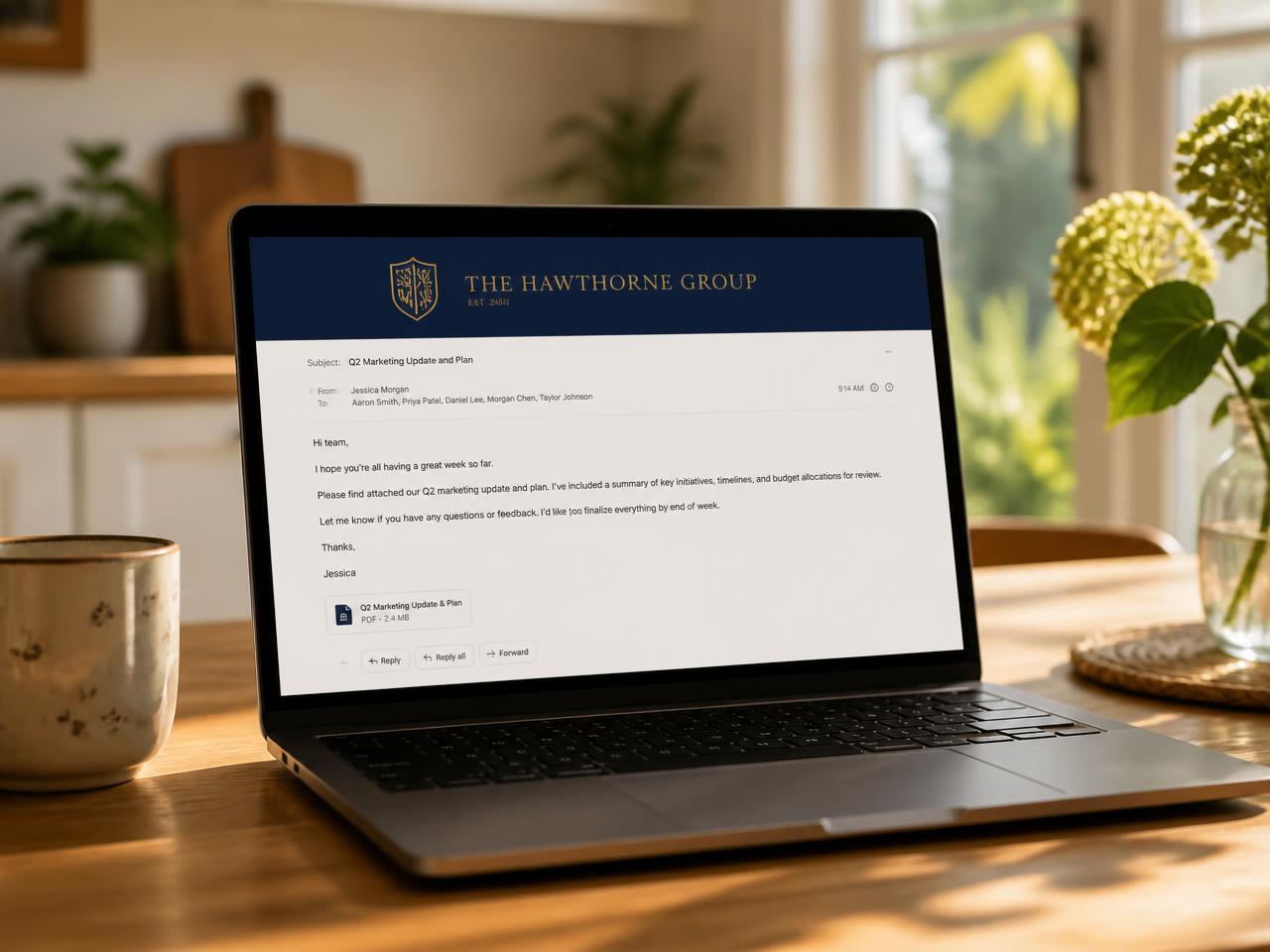
Describe your group — "Cub Scout Pack 93, navy and gold, our logo on the left" — and TallyGather designs a matching header and footer. Save it once and every email you send from then on wears it.
Make it, send one link, watch the replies land.
The same tools cover a classroom, a pack meeting, a kitchen table and a conference room.

Conference slot signups, field trip volunteer sheets, class party lists — off one saved roster. Parents reply without making an account.
Snack signups, game-day RSVPs, the season calendar and the group chat — one roster behind all of it, all season long.
Send the invite, track the RSVPs, sort out who's bringing what — without rebuilding the guest list every time.

Offsite RSVPs, training signups, shift coverage sheets, staff surveys — same people list, every time you need it.
Three steps, about two minutes, no setup.
01
Type what you need — AI drafts the page, and every detail stays editable.
02
One link by email, text or group chat. Saved lists, one tap.
03
Replies land live. Reminders go out on their own.
Step three keeps running from your phone — replies, reminders and chat all land there.
Describe your event and AI draws the invitation. Or upload your own photo — your call.
Describe your event and TallyGather illustrates a complete poster — artwork, colors and your date, time and location lettered right in. Prefer your own look? Upload a photo or logo and we build the invite around it.
Cub Scout Blue and Gold banquet for Pack 214

Blue & Gold Banquet
Each den brings one part of dinner. Claim your family's dish here.
Main dish — Wolf den
The Barlows signed up
Salad or veggie tray
Open
Cake & cupcakes
The Ruiz family signed up
3 items · one link · no account needed
Everything you need to run your event is free. No paywall on reminders, no cap on signups, no card up front.
Your ideas
Tell us what you need
New features come from your ideas. Tell us what would make planning easier, and it goes on the list.
Share an ideaWe run our own events here, and we ship fixes from what parents, coaches and committee chairs tell us. Read our story